New Year, New Security: Your 2026 Digital Privacy Checklist
Introduction Happy 2026! 🎉
We all know the drill. You’ve got your gym membership, your new planner, and maybe even a new diet. But while you’re upgrading your lifestyle, what about your digital life?
The reality is that the cyber threats of 2025 are already old news. As technology evolves, so do the hackers, scammers, and data trackers. If you’re still relying on the same passwords and security habits you used three years ago, you are leaving the front door open.
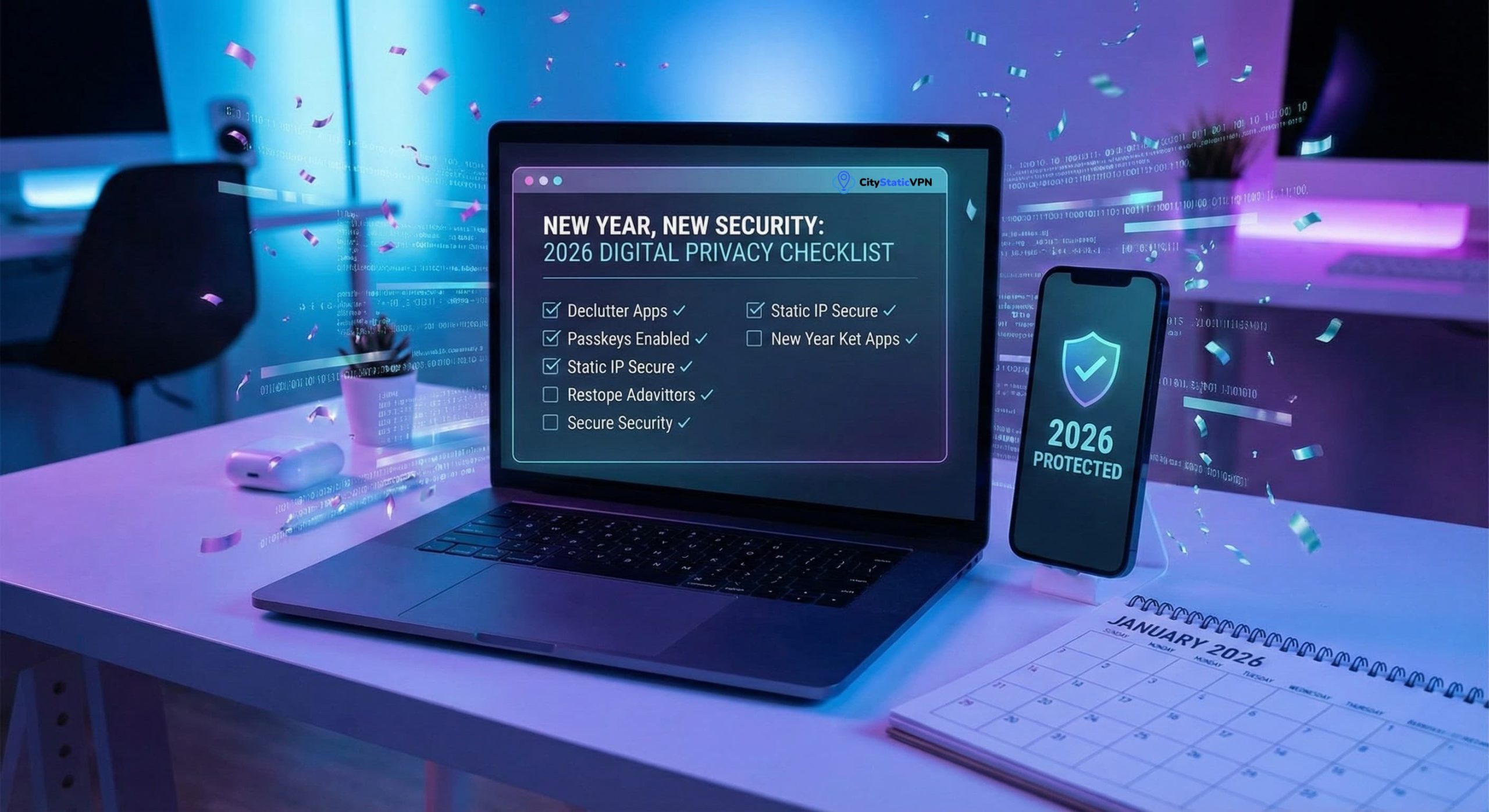
This year, let’s make “Digital Peace of Mind” a top resolution. We’ve put together the ultimate 2026 Digital Privacy Checklist. It’s simple, actionable, and arguably more important than cutting out carbs.
Let’s dive in. 👇
1. Perform a “Digital Declutter” 🧹
Start by cleaning house. Over the last year, you’ve probably downloaded dozens of apps you used once and forgot about.
- Audit your phone: Delete unused apps. They are potential security holes.
- Check permissions: Go into your settings. Does that flashlight app really need your location and contact list? If the answer is no, revoke access immediately.
- Review browser extensions: These can be major privacy leaks. Remove anything you don’t recognize or use daily.
2. Kill the “Same Password” Habit 🔐
If you are still using the same password for your email, your bank, and your Netflix account, stop right now. In 2026, credential stuffing (where hackers use leaked passwords to unlock other accounts) is automated and faster than ever.
- Use a Password Manager: There is no excuse not to use one in 2026.
- Enable Passkeys: Wherever possible, switch to biometric authentication (FaceID or Fingerprint). It is significantly harder to phish than a typed password.
3. Secure Your Connection (The 2026 Standard) 🌐
We live in a world of remote work and digital nomadism. But connecting to public Wi-Fi at coffee shops or airports without protection is like shouting your credit card number across a crowded room.
- Stop trusting “Free Wi-Fi”: It’s easy for bad actors to intercept data on open networks.
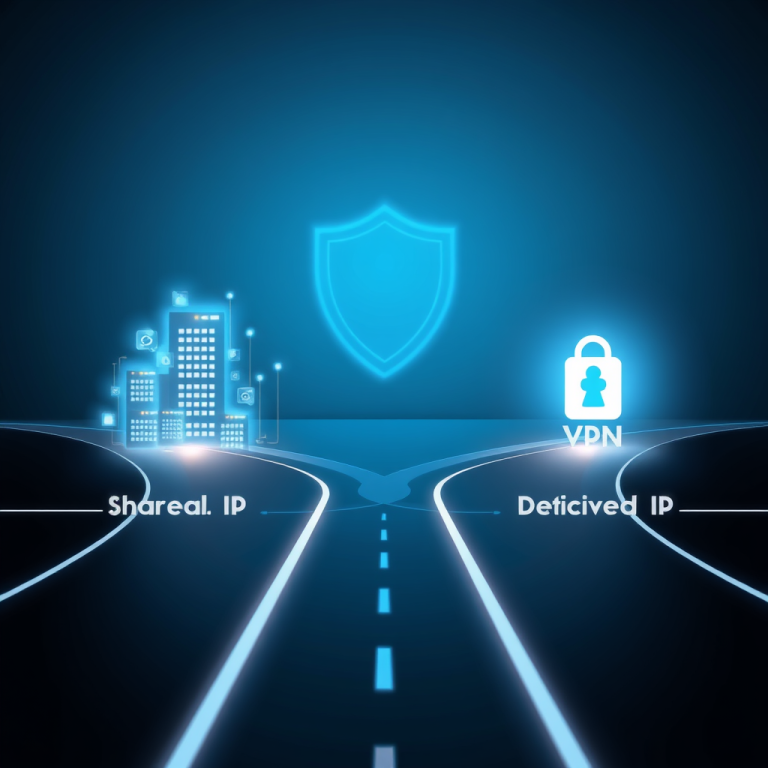
- Upgrade to a Static IP: Most standard VPNs bounce you around different shared IP addresses. This triggers “suspicious activity” alerts from banks and streaming services.
- Pro Tip: A dedicated CityStaticVPN gives you a clean, consistent identity online. You get the encryption of a VPN without looking like a bot to your bank. It’s the smartest way to blend security with convenience this year.
4. Automate Your Updates 🔄
Software updates are not just about new features; they are mostly about patching security holes.
- Turn on auto-updates: Do this for your operating system (Windows/macOS/iOS/Android) and your web browser.
- Don’t ignore the “Restart Required” notification: That 2-minute restart could save you from a ransomware attack that locks you out for weeks.
5. The “In Case of Emergency” Backup 💾
Imagine if your laptop was stolen or destroyed today. Would you lose your photos, documents, and work?
- Follow the 3-2-1 Rule: Keep 3 copies of your data, on 2 different media types (e.g., cloud and hard drive), with 1 copy offsite.
- Test your backups: A backup you haven’t tested is just a wish. Make sure you can actually restore files from it.
Conclusion Security isn’t a one-time product you buy; it’s a habit you build. By ticking off these five boxes, you’re already miles ahead of the average user.
Make 2026 the year you take back control of your data. Stay safe, stay connected, and happy new year!